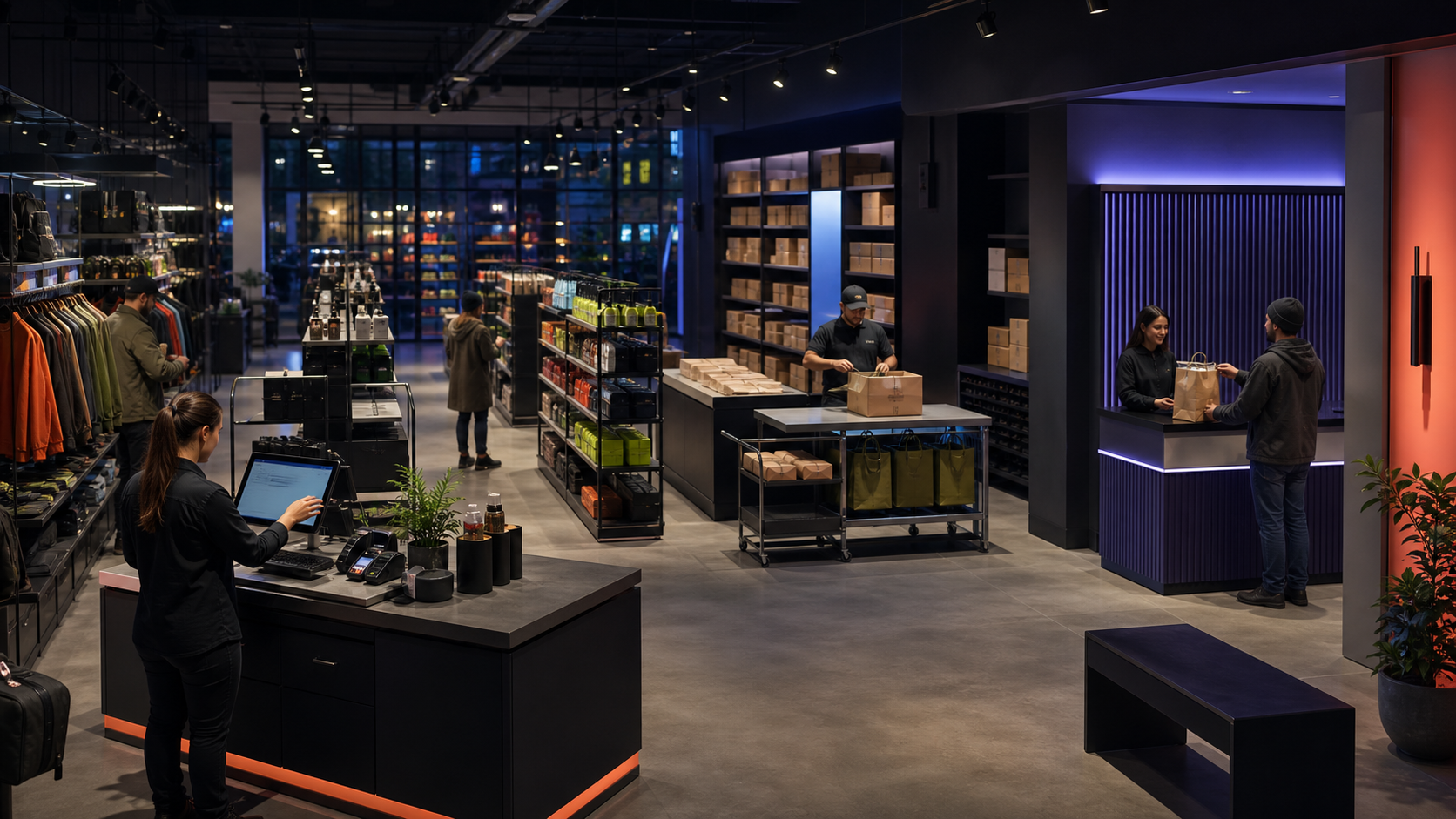
POS and multi-branch sales
Owners see the same sales picture across every branch while staff keep working with a simple counter screen.
- Retail stores and franchises
- Restaurants and service counters
- Temporary events and pop-up shops
SYSTEM ENGINEERING SHOWCASE
Each example follows work from the moment it enters the system through ownership, required information, approvals, exceptions, and the result handed to the next team.
Examples of workflow, interface, and system-integration designConnect the front of the business with stock, payment, staff, and back-office work.
Owners see the same sales picture across every branch while staff keep working with a simple counter screen.
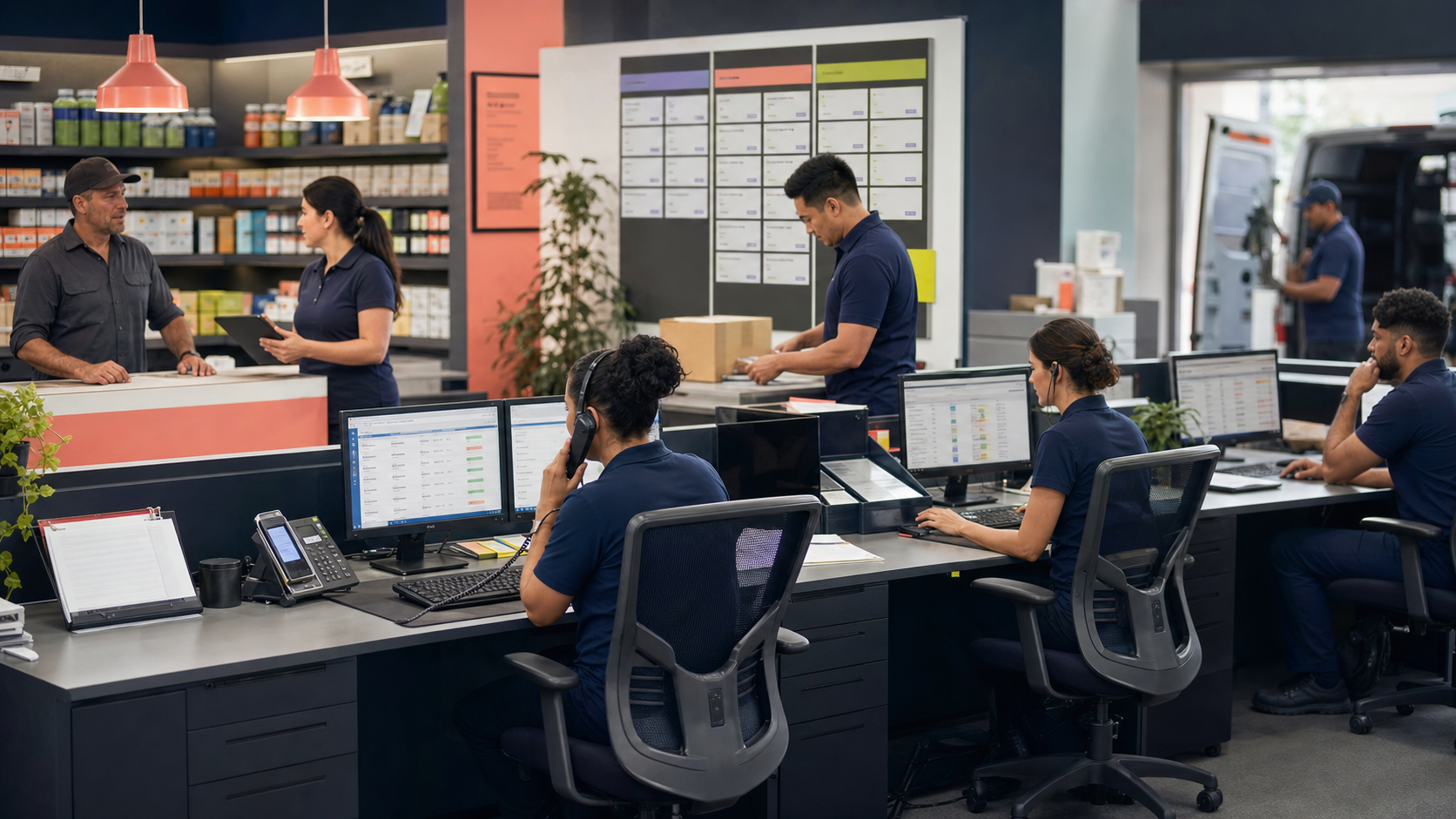
Reduce missed orders and let everyone see who is responsible, what is waiting, and what must happen next.

Customers can find answers and complete routine actions without calling staff for every update.
Make goods, equipment, facilities, and daily site activity visible and traceable.
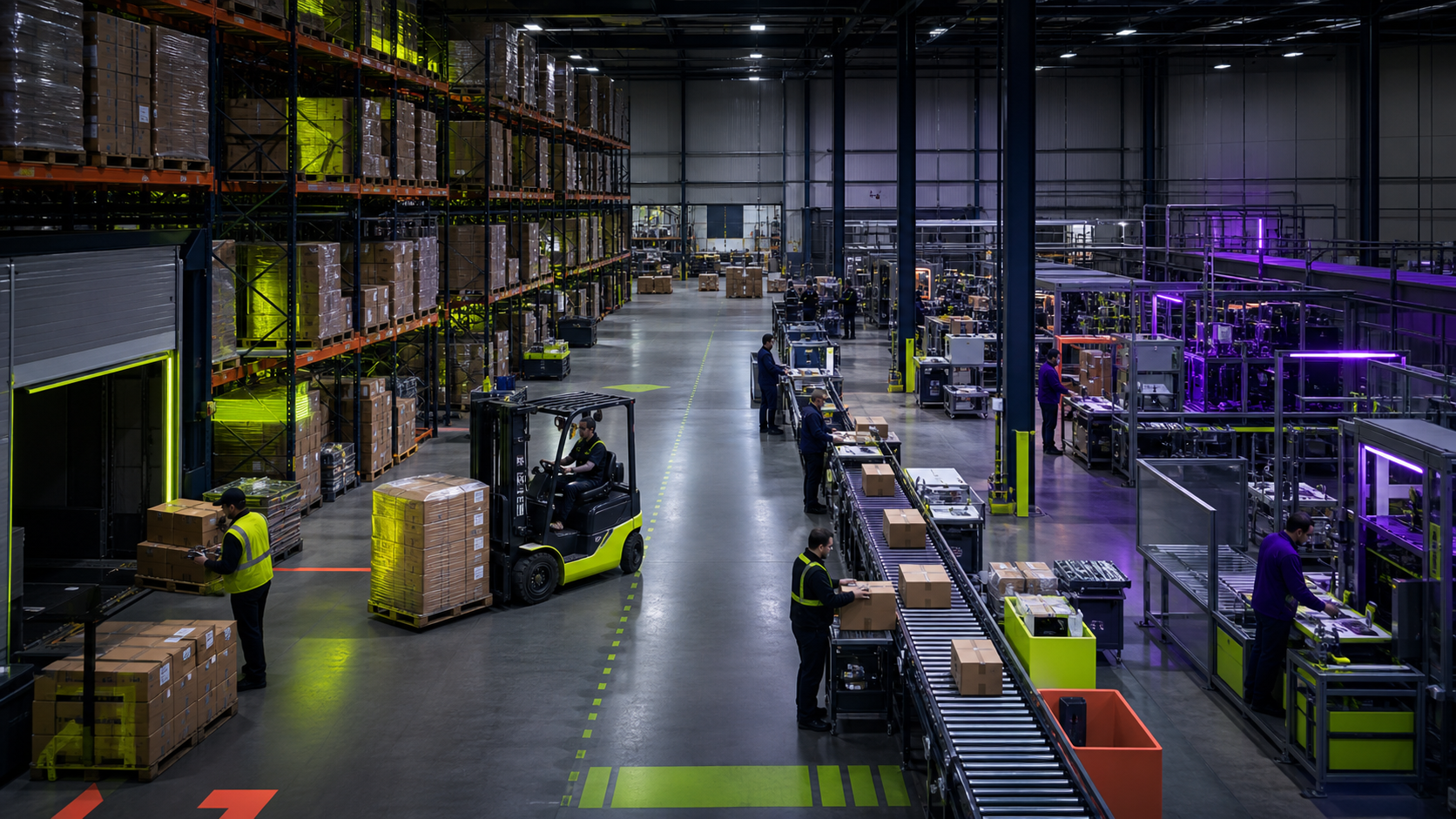
Reduce missing stock and give purchasing, warehouse, sales, and accounting teams the same numbers.
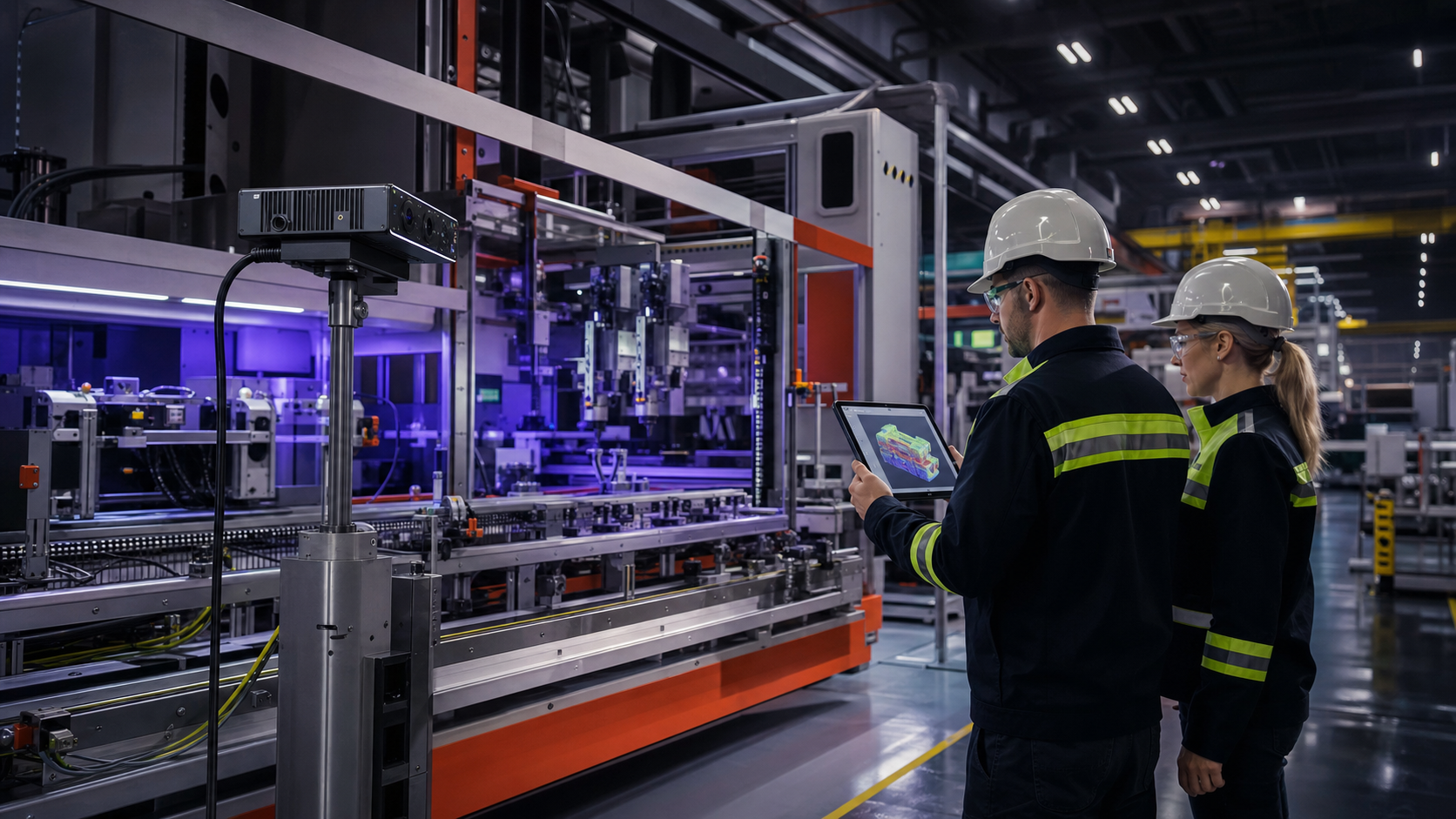
Supervisors can see where work stops and use cameras or depth sensing where automatic inspection is valuable.
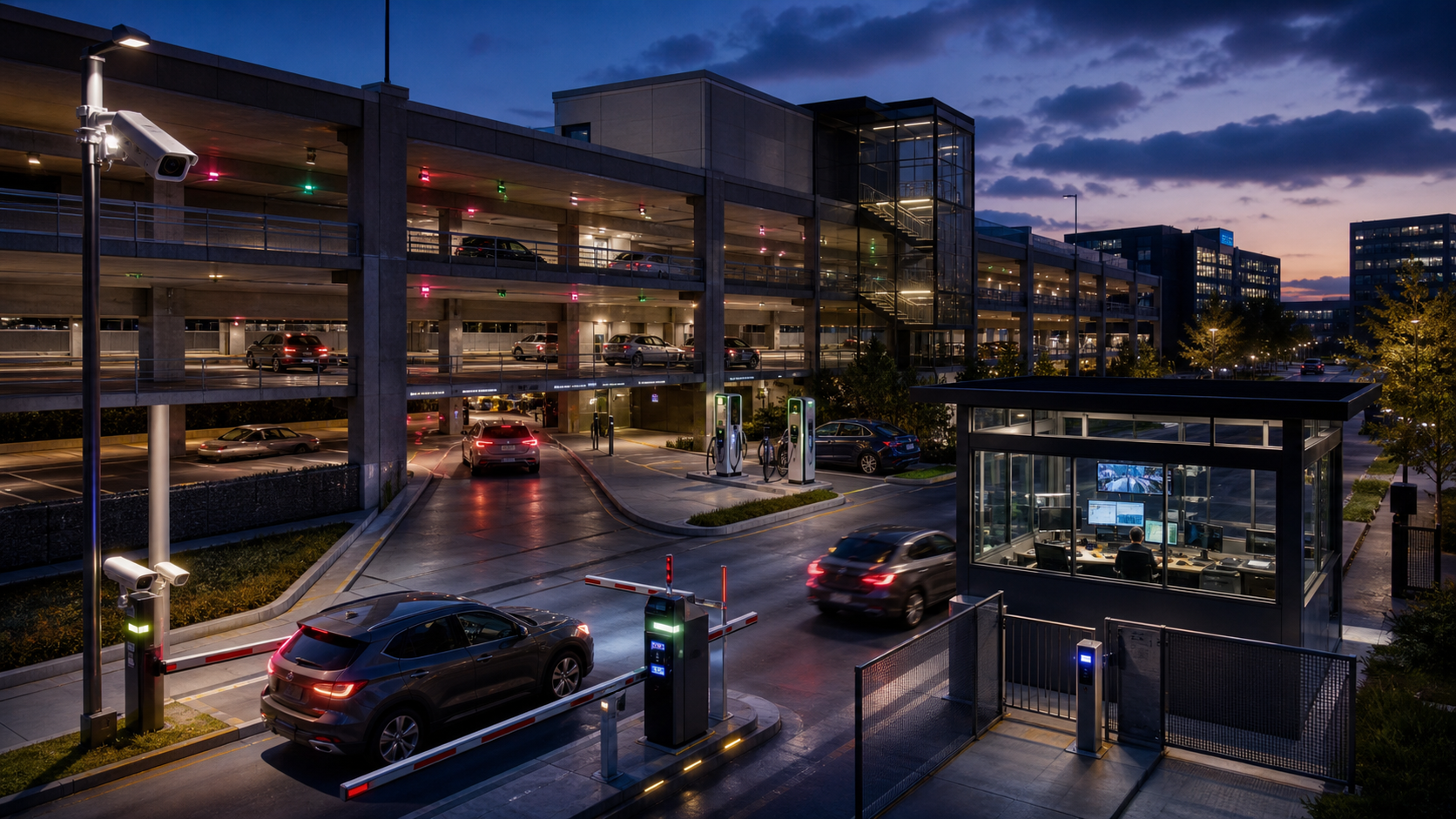
Operators know who entered, where capacity remains, what was paid, and which event needs attention.
Turn documents, approvals, money movement, and reporting into a controlled shared process.

Replace disconnected spreadsheets with one traceable process while keeping approval responsibility clear.
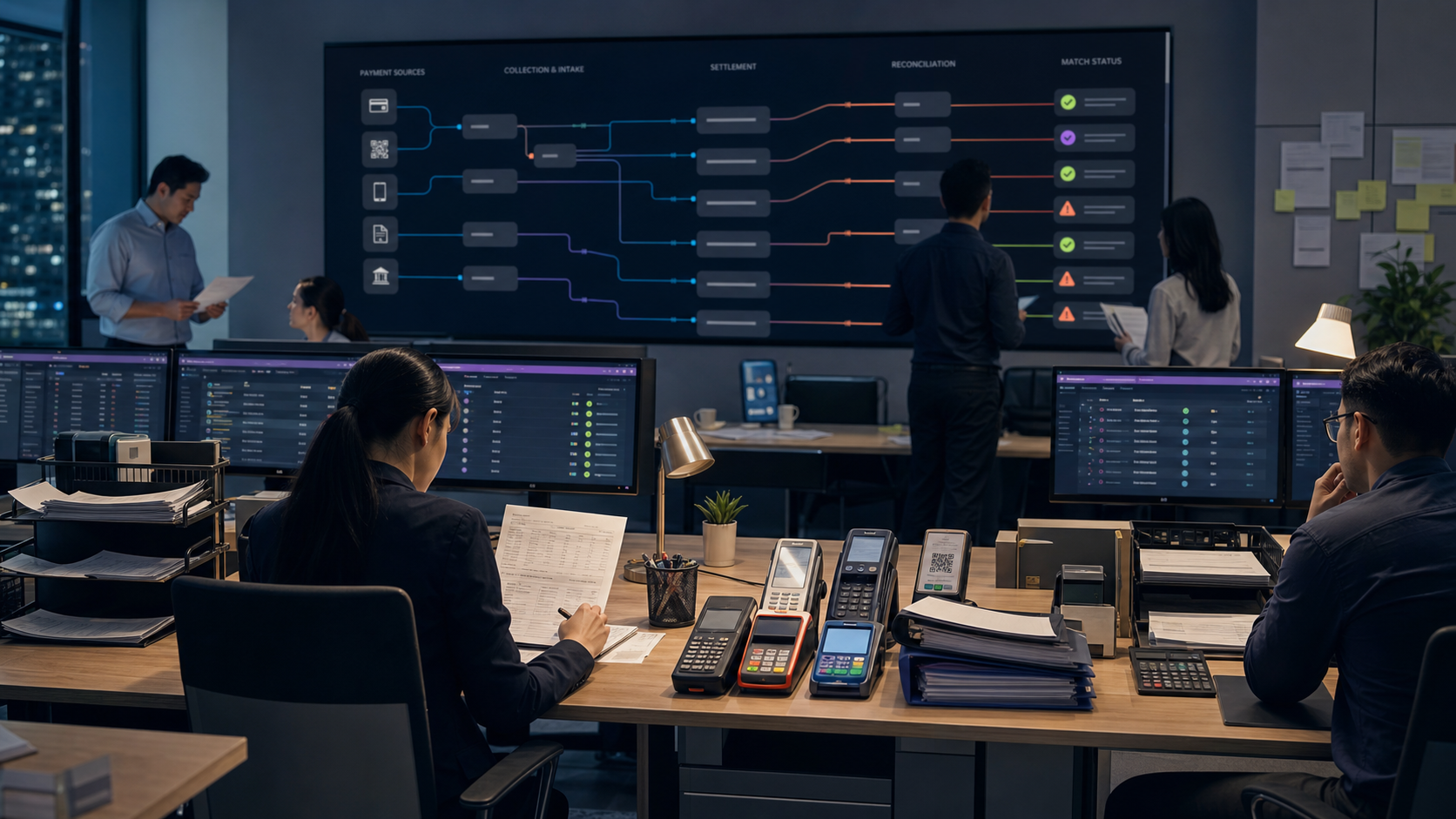
Staff can match money to orders and quickly find missing, duplicated, delayed, or incorrect payments.
Reduce repeated typing while preserving the original file and allowing staff to check uncertain information.
Use AI where it removes difficult manual work, while keeping people responsible for important decisions.
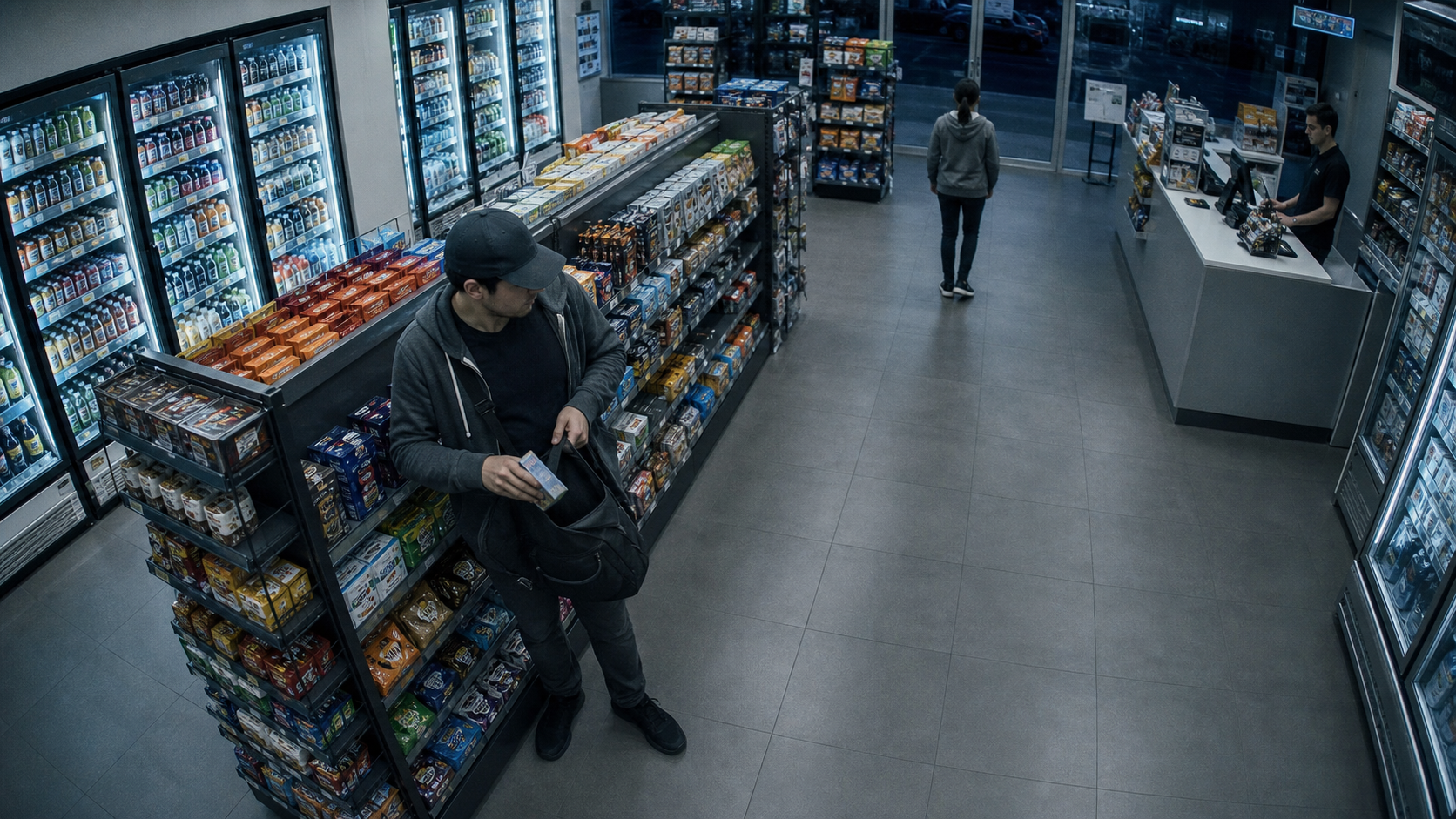
Turn long video streams into short events that people can review with the surrounding context still attached.

Help staff confirm identity while keeping consent, confidence limits, permissions, and review records visible.
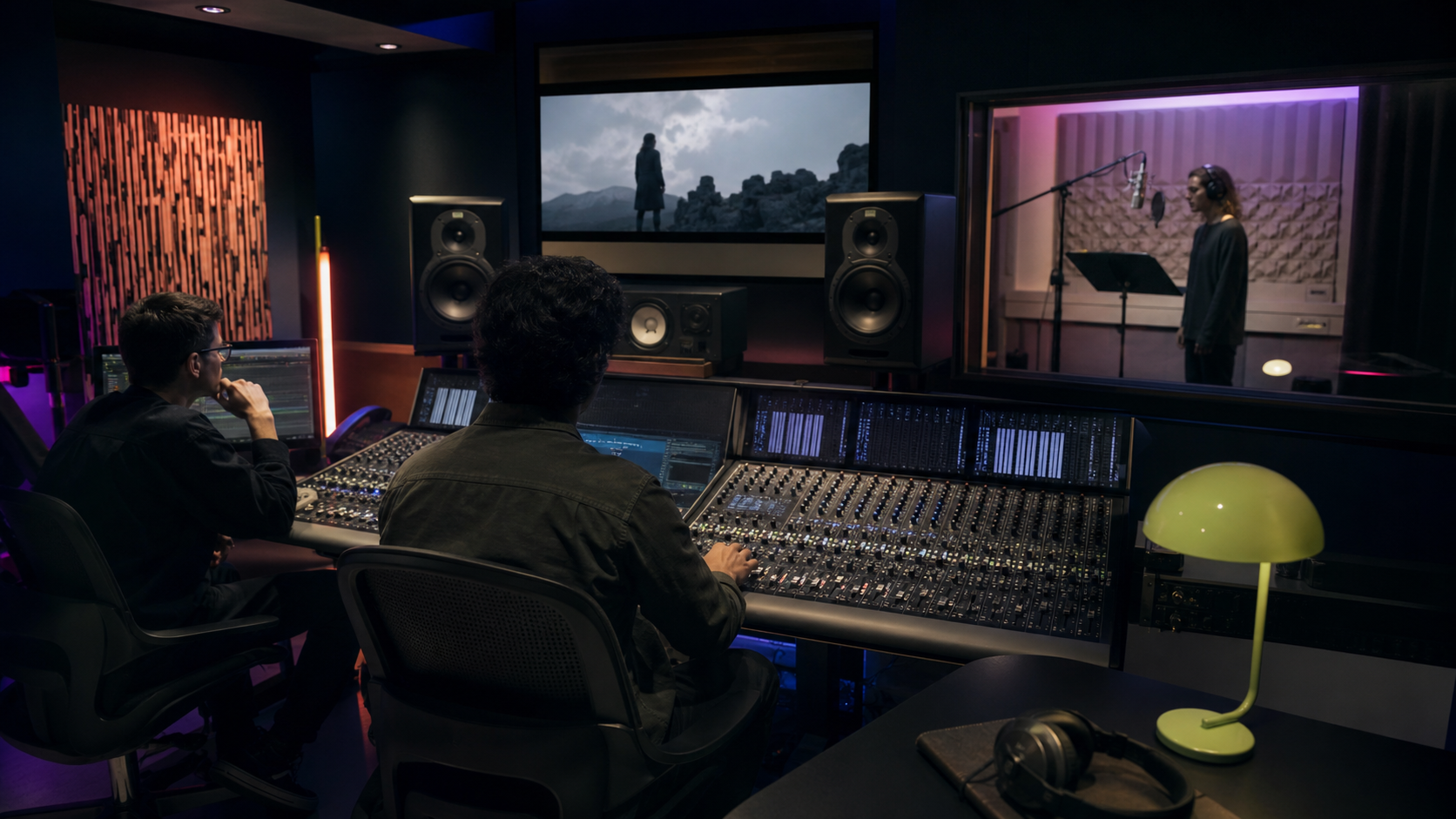
Reduce repetitive studio work and make one source usable for film, advertising, training, broadcast, and localization.